Upptime と GitHub, GitHub Actions で Status page を作成する
はじめに
GitHub (の Issue) や GitHub Actions, GitHub Pages 等を利用し、Status Page を公開できる Upptime を設定してみました
また、この記事は「GitHub Actions の自分流の使い方をシェアしよう」のイベント記事です
Upptime の設定を行う
Repository の作成
以下 Repository の 'Use this template" をクリック Repository を作成します 作成する場合は、 Public Repository にすることを推奨します
GitHub Pages は GitHub Free の場合利用できません Private レポジトリのまま利用したい場合は GitHub Pro 等の契約を行ってください。
GitHub Pages の有効化
Repository の Settings -> Pages から GitHub Pages を有効化します
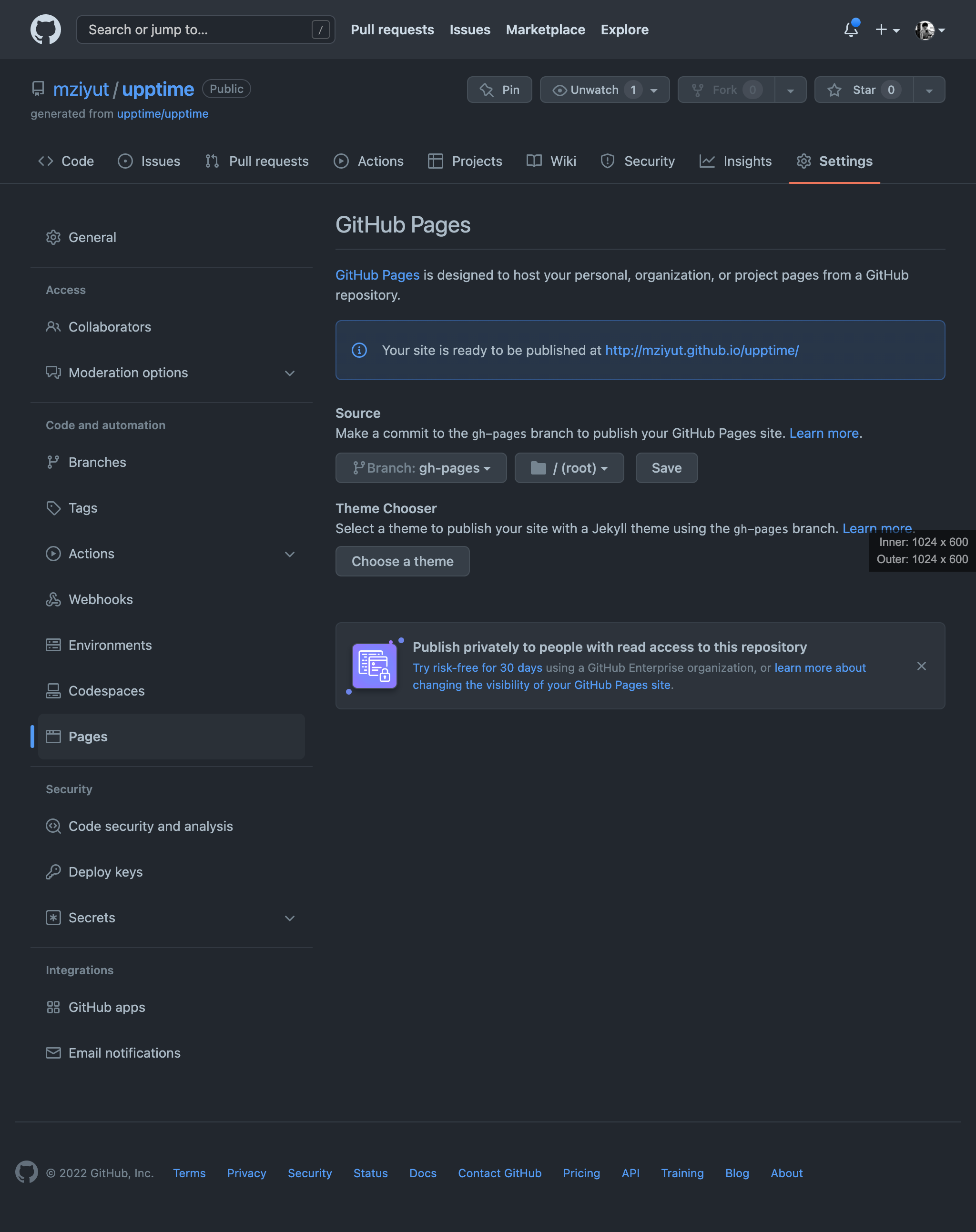
有効化後 gh-pages branch の内容が適用されているか確認します
PAT を設定します
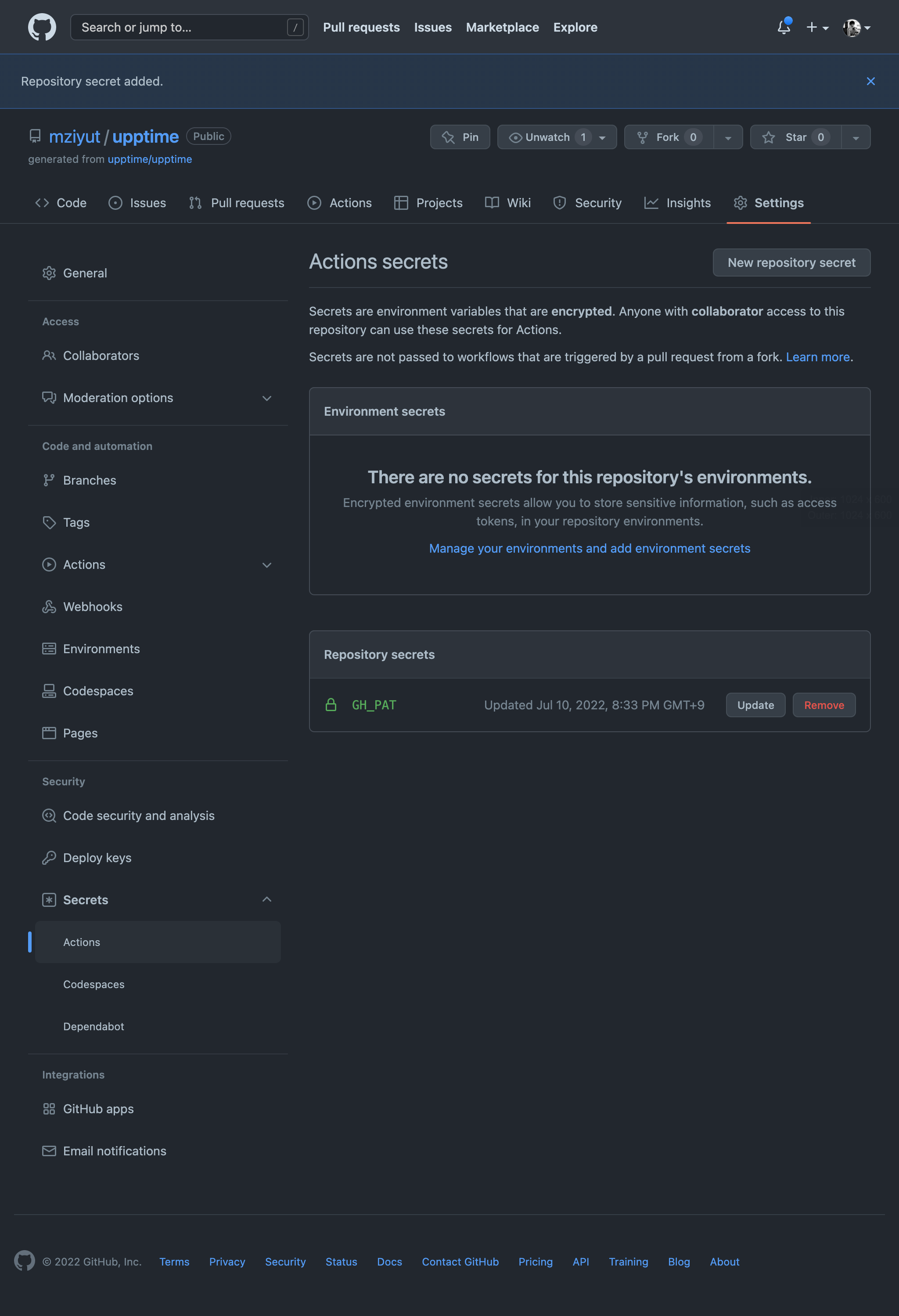
Upptime を動作させるための Personal Access Token (以下、PAT) を Repository 設定に追加します
環境変数名は GH_PAT で 必要な scope は以下の通りです
- repo
- workflow
PAT は以下 URL から生成できます
生成した PAT は Repository Settings -> Secrets -> Actions から設定します
監視設定を追加する
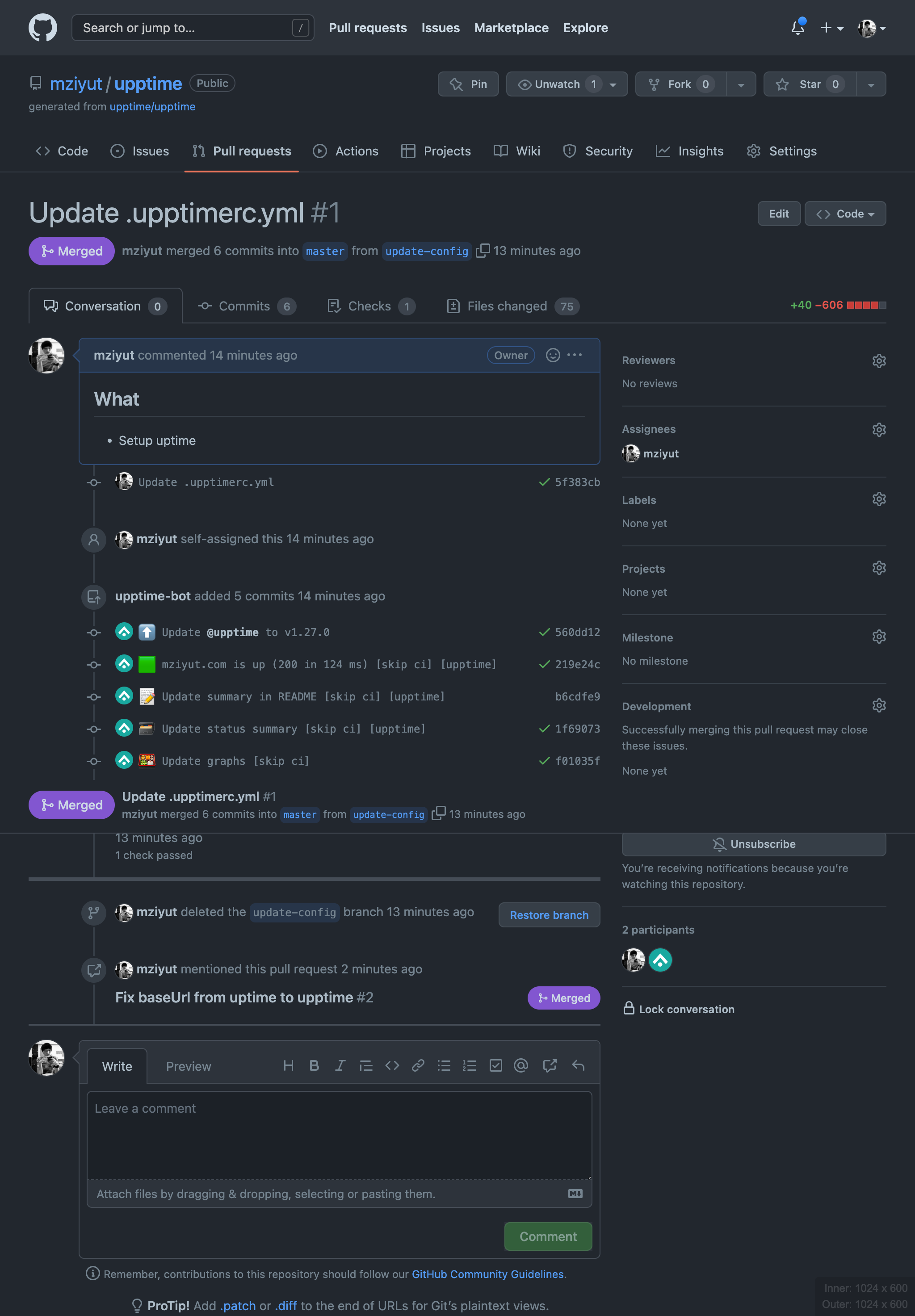
.upptimerc.yml を変更し監視設定を変更します
diff --git a/.upptimerc.yml b/.upptimerc.yml
index ef29512..4622fc5 100644
--- a/.upptimerc.yml
+++ b/.upptimerc.yml
@@ -1,22 +1,16 @@
 # Change these first
-owner: upptime # Your GitHub organization or username, where this repository lives
-repo: upptime # The name of this repository
+owner: mziyut
+repo: upptime

 sites:
-  - name: Google
-    url: https://www.google.com
-  - name: Wikipedia
-    url: https://en.wikipedia.org
-  - name: Hacker News
-    url: https://news.ycombinator.com
-  - name: Test Broken Site
-    url: https://thissitedoesnotexist.koj.co
+  - name: mziyut.com
+    url: https://mziyut.com

 status-website:
   # Add your custom domain name, or remove the `cname` line if you don't have a domain
   # Uncomment the `baseUrl` line if you don't have a custom domain and add your repo name there
-  cname: demo.upptime.js.org
-  # baseUrl: /your-repo-name
+  # cname: demo.upptime.js.org
+  baseUrl: /upptime
   logoUrl: https://raw.githubusercontent.com/upptime/upptime.js.org/master/static/img/icon.svg
   name: Upptime
   introTitle: "**Upptime** is the open-source uptime monitor and status page, powered entirely by GitHub."
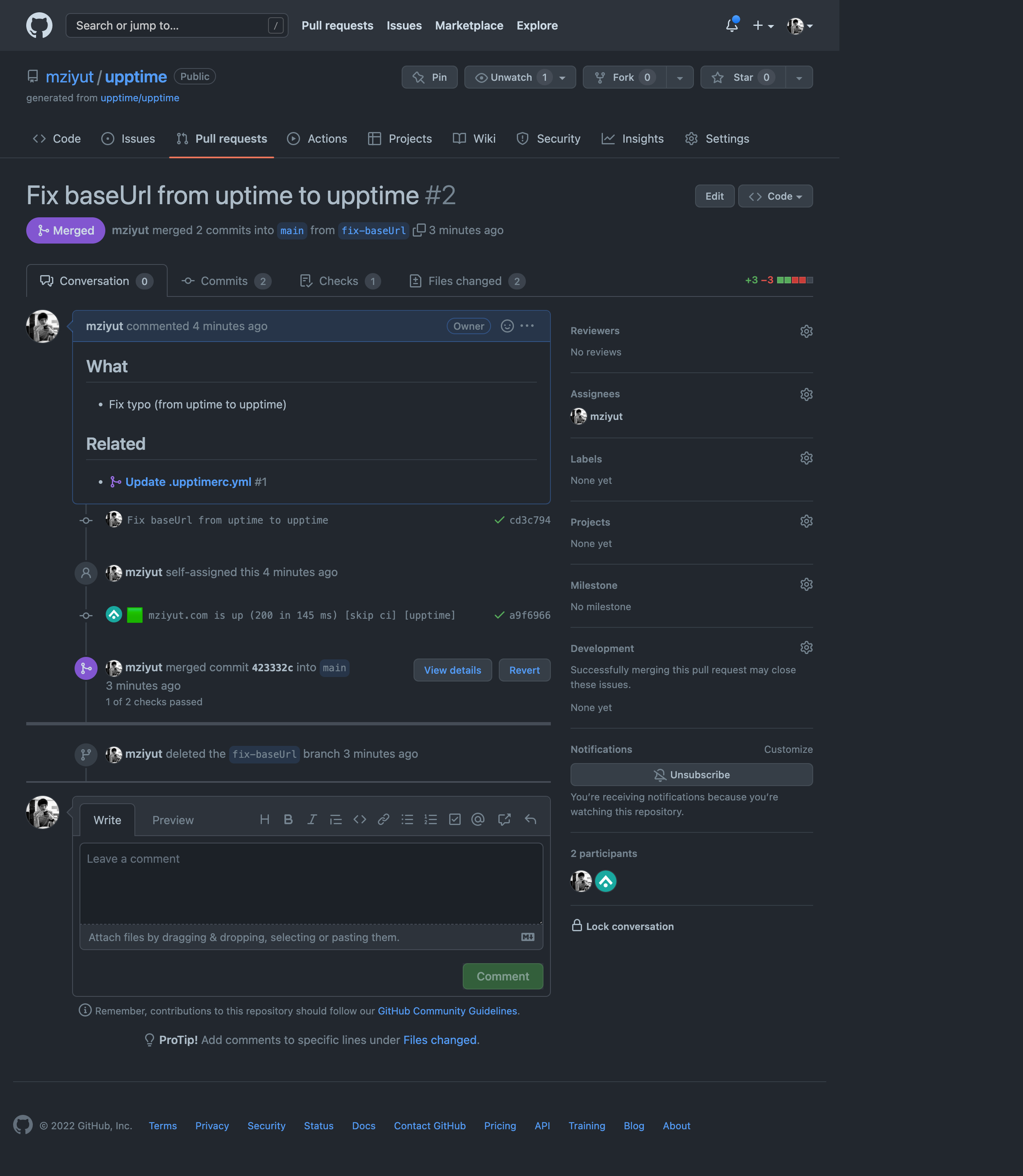
※ 一部 Typo していたため Pull request は 2 つあります
Push した差分に応じて 定義されている Workflow が実行され自動でコミットされます
| Update .upptimerc.yml #1 | Fix baseUrl from uptime to upptime #2 |
|---|---|
 |  |
GitHub Pages を確認する
私の場合、Custom domain 等を設定していないため 以下 URL で確認することができます
Upptime で生成したページにはアクセスすると先ほど設定したサイトの status が表示されており
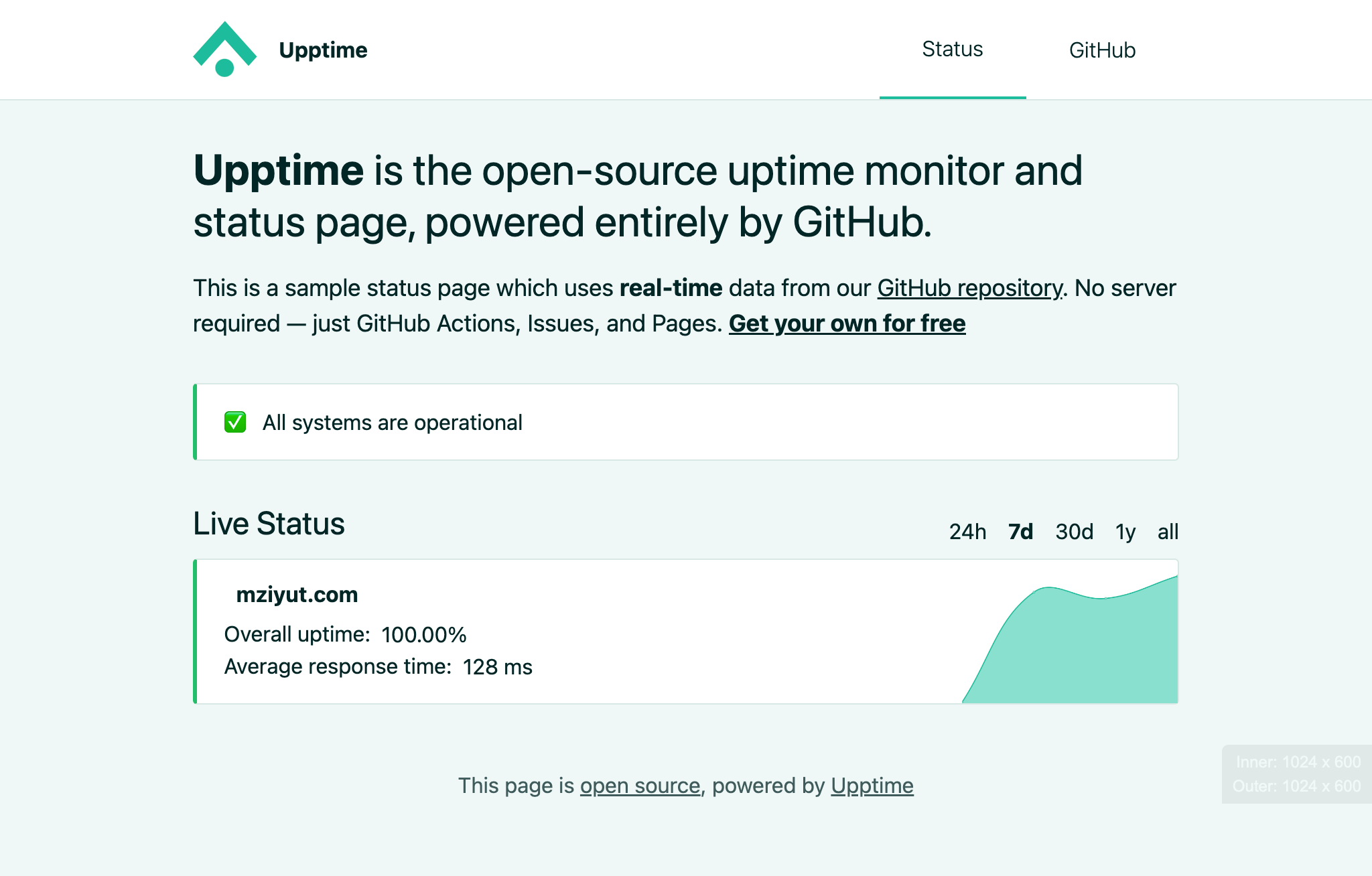
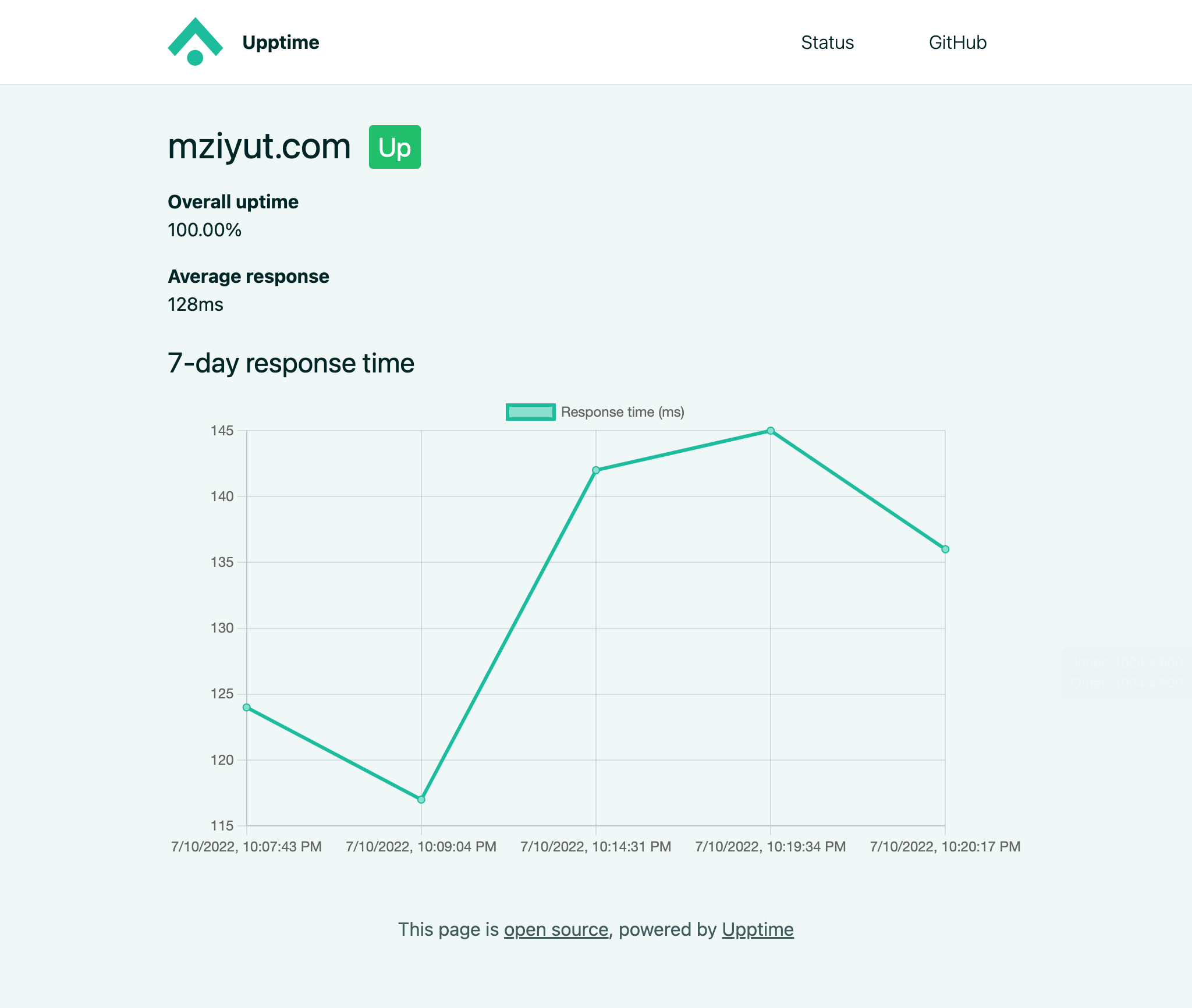
設定したサイトの過去記録なども確認することができます
最後に
Upptime と GitHub Actions を使って簡単に Status Page を生成できました スケジュール設定や、通知設定などはこれから設定していこうと思います