•
ドメインcloudflareWHOIS
Cloudflare で管理するドメインの WHOIS protection を無効にしたい
はじめに
Cloudflare で管理するドメイン の WHOIS protection を無効化したかったが Cloudflare の Dashboard から変更することができませんでした。 Dashboard ではなく API 経由で変更する必要があったので方法を簡単にまとめた。
事前準備
WHOIS protection を無効に変更するには API 経由で実行します。 実行するために Account identifier (アカウント ID) と API Key、 Account Email が必要です。
Account identifier (アカウント ID) は Websites (Web サイト) から、API Key は My Profile から取得できます。 Account Email は Cloudflare のログインに用いているメールアドレスです。
WHOIS protection を無効にする
WHOIS protection を無効にするには Update domain API に対してリクエストを送信します。
Update domain PUT
https://api.cloudflare.com/client/v4 /accounts/{account_identifier}/registrar/domains/{domain_name}
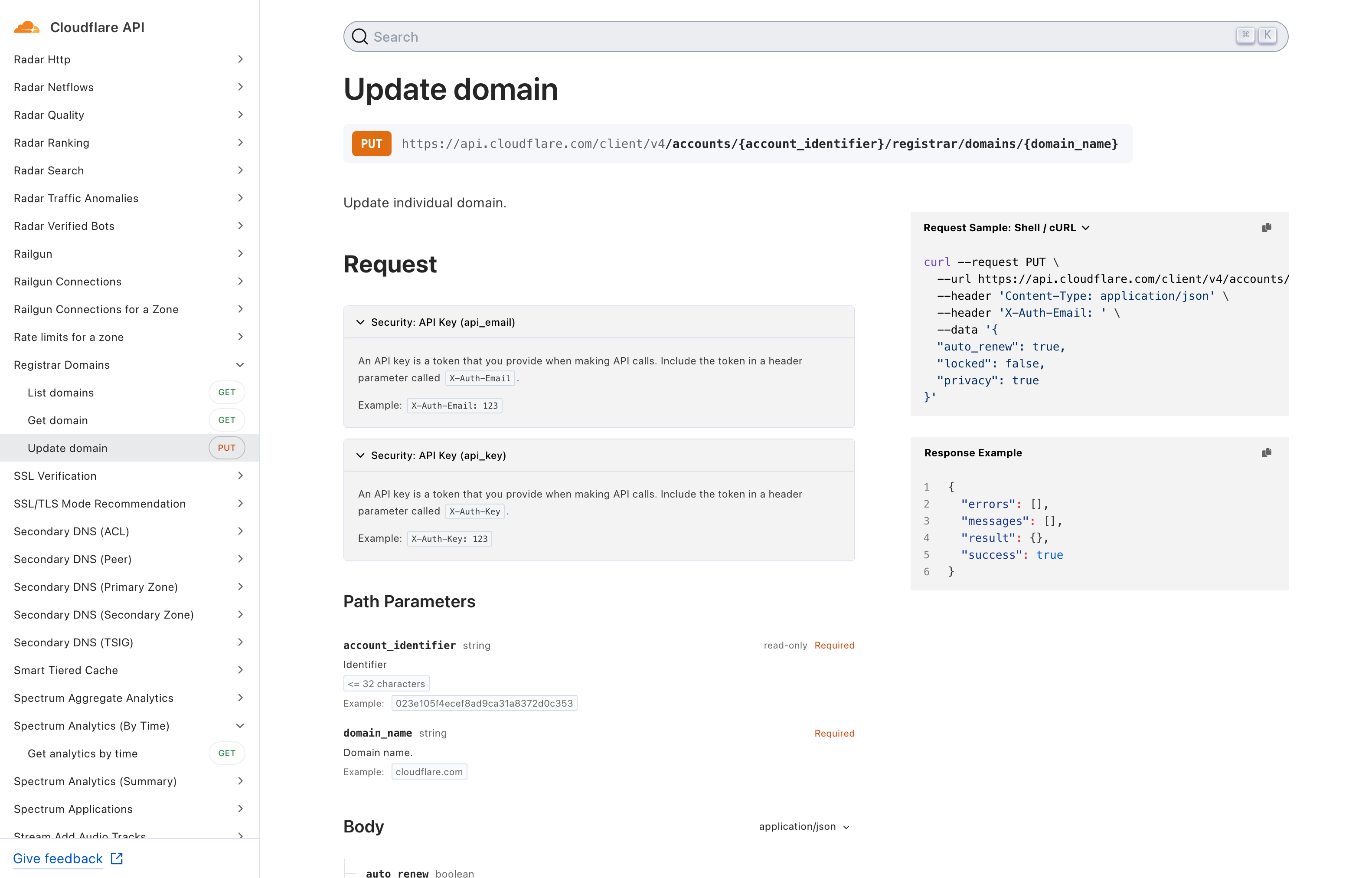
API ドキュメントの右にリクエスト送信例があるのでお好きな環境で実行してください。 私は、 cURL でリクエスト送信しました。
事前準備で用意した Account identifier (アカウント ID) と API Key 及び Cloudflare の Account Email に置き換えてください。
curl --request PUT \
  --url https://api.cloudflare.com/client/v4/accounts/_YOUR_ACCOUNT_IDENTIER_/registrar/domains/_YOUR_DOMAIN_ \
  --header 'Content-Type: application/json' \
  --header 'X-Auth-Email: _ACCOUNT_EMAIL_' \
  --header 'X-Auth-Key: _ACCOUNT_API_KEY_' \
  --data '{
  "privacy": false
}'
リクエスト送信後、以下のようなレスポンスが返ってくれば成功です。
{"result":{"message":"Domain updates complete!"},"success":true,"errors":[],"messages":[]}